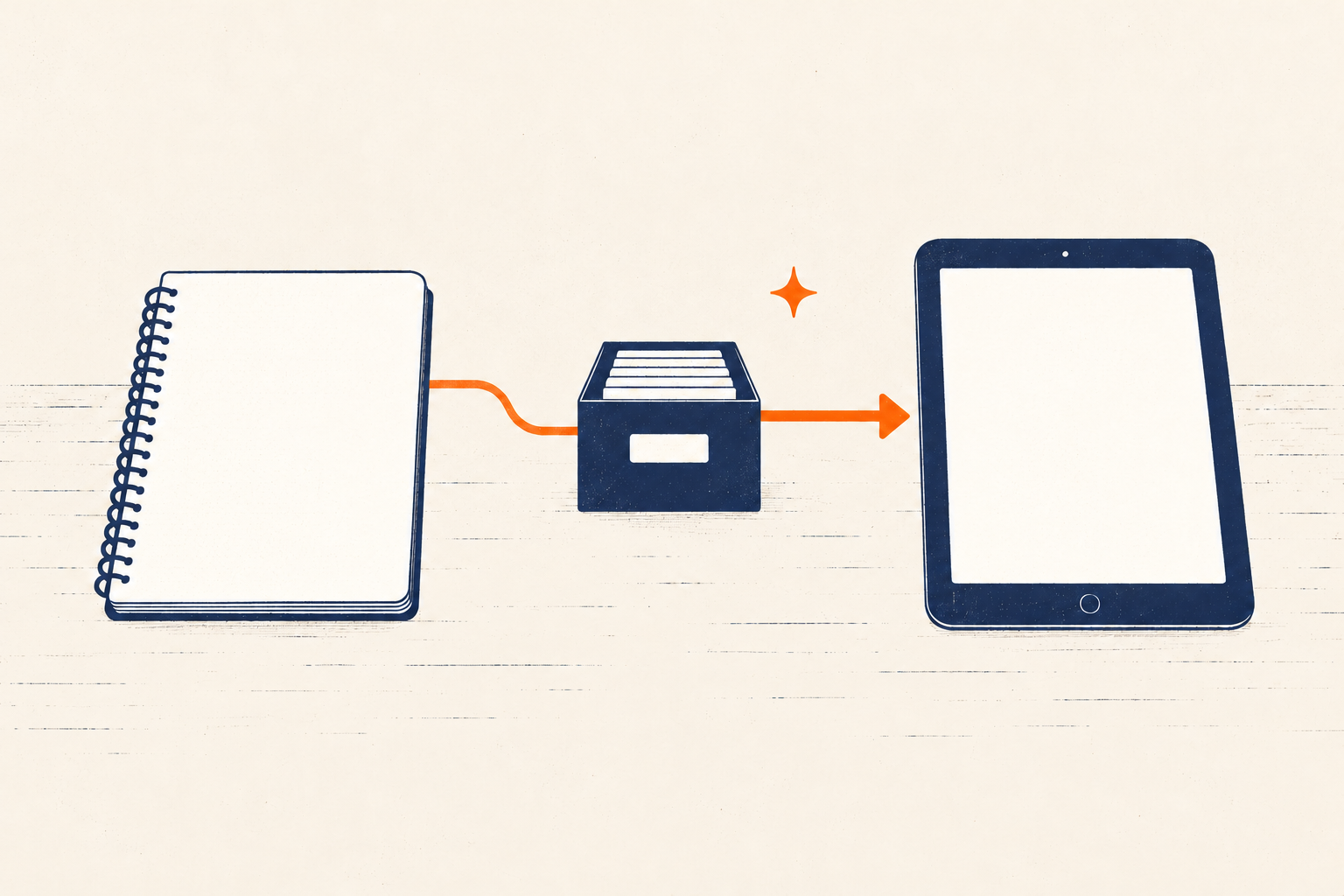
The choice between a notebook and an app is rarely a choice between old and new. It is a choice between different capabilities, failure modes, and maintenance costs.
Paper gives you a direct physical surface. Digital tools can search, remind, copy, synchronize, and collaborate. Either format can support a clear workflow. Either can also become an attractive place where tasks disappear.
Choose the format for each job, then define the handoff between jobs. That is more reliable than asking which medium is “best.”
System plate 01 — The rule
Each commitment has one authoritative home. A second representation is either a temporary capture, a deliberate reminder, or a disposable working view—not another source of truth.
The format is not the system
A productivity system needs rules for capture, decisions, action, review, and recovery. A notebook or app can hold parts of that system, but the tool does not decide:
- what belongs there;
- when an inbox is processed;
- which copy is authoritative;
- how someone else receives an update; or
- what happens after a disrupted week.
Start with the work requirement. Do you need an alert at a specific time? Fast freehand thinking? Retrieval across several years? Shared editing? A surface that works without power or connectivity?
The wider workflow still needs to explain how inputs become decisions and actions. Here, the narrower job is choosing a medium for each part without creating duplicates.
A task-by-task decision matrix
Use the matrix as a starting point, not a universal verdict.
| Work requirement | Paper tends to fit when… | Digital tends to fit when… | Hybrid rule |
|---|---|---|---|
| Quick capture | The notebook is already at the point of use | The device is always available and has a fast inbox | Process paper capture into the authoritative system by a named time |
| Date-specific reminder | You reliably inspect the page before the event | You need an alert or recurrence | Keep the commitment in the digital calendar; paper may show today’s view |
| Daily planning | A visible, bounded page helps you choose | Plans change often or must link to project details | Draft the day on paper; update changed commitments in the source system |
| Project actions | The project is small and managed by one person | Actions need search, status, dependencies, or remote access | Paper is a focus list, not the project record |
| Brainstorming | Spatial freedom and fast marks matter | Ideas must be reorganized, expanded, or shared immediately | Explore on paper, then capture only decisions and useful output |
| Long-term reference | The collection is small and location-specific | You need full-text search, backup, links, or access in several places | Index physical material in the digital reference home only when retrieval warrants it |
| Collaboration | People are together around the same surface | Contributors work at different times or locations | Photograph a shared paper surface, then record decisions in the team system |
| Sensitive information | Physical custody is easier to control in your situation | Encryption, access controls, audit history, or secure backup are required | Choose from the actual threat model; do not assume either medium is private by default |
| Low-connectivity work | Charging and network access are uncertain | Offline access is configured and tested | Carry a minimal paper fallback for consequential information |
| Accessibility | Handwriting and page navigation work well for you | Search, zoom, screen readers, voice input, reminders, or alternate input help | Use the accessible format for the person doing the work, even if the team uses another format |
The answer may differ by task. A digital calendar and paper daily plan can coexist cleanly if the calendar owns appointments and the paper page is a temporary view.
Where paper has a practical advantage
Paper is immediate when the notebook and pen are present. It has no startup time, account, update, charging requirement, or notification layer. A page also supports spatial arrangement: arrows, rough diagrams, margin notes, and groupings can emerge without configuring a structure first.
Those qualities make paper useful for:
- thinking through an unclear problem;
- limiting a daily plan to a visible surface;
- taking notes where devices are unwelcome or distracting;
- leaving a physical cue at the point of action; and
- creating a temporary focus view from a larger system.
Paper’s constraints matter too. It cannot issue an active reminder, and retrieval depends on an index, a consistent storage location, or memory. Sharing requires another step. A lost notebook may have no backup, and a notebook left open may expose sensitive information.
Do not overstate the handwriting evidence
The claim that handwriting always improves memory is too broad. Research usually examines particular learning tasks—often lecture note-taking by students—not personal task management as a whole.
Results also differ across reviews. A 2022 meta-analysis of 36 articles found no overall performance difference between longhand and digital note-taking under controlled conditions, while moderators and device distraction may matter. A 2024 meta-analysis of college lecture notes reported a small achievement advantage for taking and reviewing handwritten notes, alongside substantially greater note volume when typing.
That is a reason to test the medium for the actual task. It is not evidence that paper is neurologically superior for every kind of work.
Where digital has a practical advantage
Digital tools are strong where information must reappear, move, or be found.
They can provide:
- date- and location-based reminders;
- recurring tasks and calendar events;
- full-text search and filters;
- links between tasks and reference material;
- duplication without retyping;
- version history and backup, when configured;
- shared access and assignment; and
- accessibility features such as zoom, voice input, screen-reader support, or configurable alerts.
These are capabilities, not guarantees. Search helps only if useful material enters the system with recognizable words. Synchronization can spread a mistake as efficiently as a correction. Backup and export depend on the product and your settings. Collaboration becomes noise if ownership is unclear.
Digital tools also place the work beside messages, feeds, and other attention demands. Reduce that friction directly: turn off unrelated notifications, create a single capture shortcut, and open the work in a focused view.
For a knowledge collection, the second-brain guide explains why retrieval and pruning matter more than the number of notes stored.
Accessibility can determine the right format
Neither paper nor digital is inherently more accessible.
Handwriting may be painful, slow, or illegible for some people. Screens can introduce visual fatigue, complex navigation, or inaccessible controls. Someone may rely on voice input, reminders, large text, high contrast, screen readers, tactile markers, or a support person.
Choose the format that lets the actual user perceive, enter, retrieve, and act on the information. The W3C’s cognitive-accessibility guidance includes a useful principle for digital tools: provide reminders while allowing the user to control them. A reminder that cannot be configured may become another interruption.
If information moves between people, test the handoff with everyone who must use it. A photographed whiteboard is not a sufficient record if a colleague cannot read the image. A shared app is not sufficient if a participant cannot navigate it.
Design a hybrid without duplicate systems
A hybrid works when each medium has a jurisdiction and every handoff has a deadline.
Write three rules.
1. Name the source of truth
Examples:
- The digital calendar owns appointments and deadlines.
- The task manager owns committed next actions.
- The paper page is today’s temporary focus view.
- The project notebook holds meeting sketches; final decisions go in the shared project record.
If a date changes on paper, update the calendar. If a task is completed on paper, close it in the task system during the daily shutdown.
2. Give capture an expiry time
A paper note can be a capture inbox without becoming permanent storage.
Use a rule such as:
Paper capture from the day is processed before tomorrow’s first planning check.
During processing, delete, store, delegate, schedule, or define an action. Do not transcribe everything. Move only information that has continuing value.
The same rule applies in reverse. If you print a project list for travel, label it as a dated snapshot. Update the authoritative digital copy when you return, then recycle or archive the printout.
3. Define disposal and archive rules
Temporary views should leave the system. Cross out or recycle completed daily pages according to your privacy needs. Archive notebooks only when you expect to retrieve something from them. Export digital records in a usable format when continuity matters.
Without an end rule, a hybrid becomes two accumulating archives.
Run a two-week test
Do not migrate your whole history to evaluate a format. Choose one workflow—daily planning, meeting notes, or personal tasks—and test it for two weeks.
Record six measures:
- Retrieval time: How long did it take to find the needed item?
- Missed reminders: Did a time-sensitive commitment fail to reappear?
- Duplicate conflicts: Did two copies disagree?
- Handoff failures: Did captured information fail to reach its authoritative home?
- Maintenance time: How long did processing and cleanup take?
- Attention cost: How often did the medium introduce an avoidable distraction or interruption?
Also record accessibility failures and privacy concerns. One serious failure can outweigh a faster average.
At the end, keep the format that performs the job with acceptable maintenance. Adjust the handoff before buying or adopting another tool.
A minimum hybrid you can maintain
If you need a starting arrangement, use:
- one digital calendar for date-specific commitments and reminders;
- one authoritative task list, paper or digital;
- one temporary daily focus page, if it helps;
- one reference home for material worth retrieving; and
- one daily handoff check between temporary capture and authoritative records.
That is enough. The best combination is not the one with the most features or the most pleasing stationery. It is the one that helps the right information reappear, keeps commitments unambiguous, and still works after an imperfect week.
If the difficulty is not the medium but the amount the system asks you to hold, use the sustainable productivity guide to set capacity, slack, and downshift rules before changing tools again.