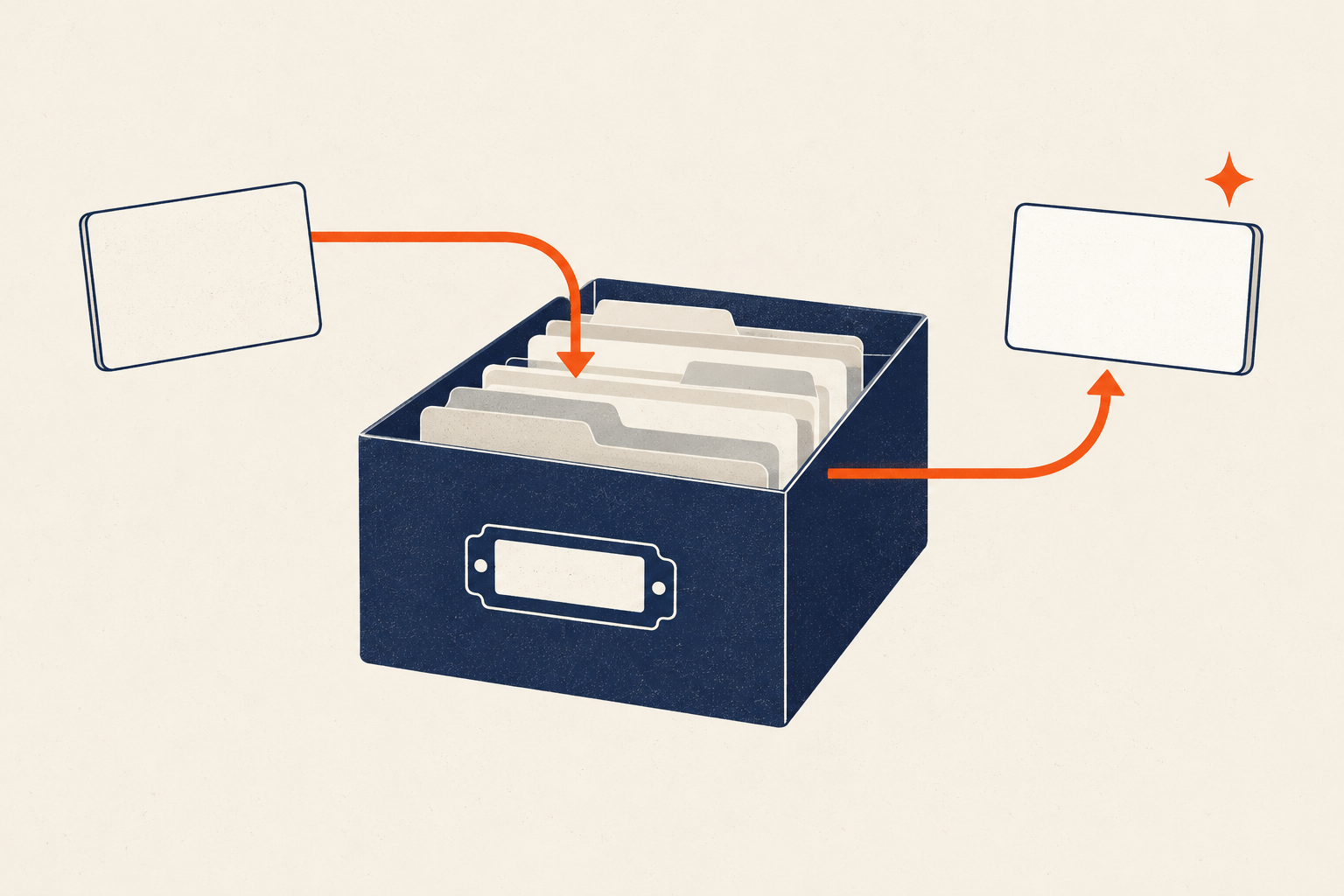
A second brain is useful when it helps you retrieve the right material for work you are doing now. It is not useful merely because it contains thousands of notes.
Begin with one retrieval problem: a proposal whose research is scattered, a home project whose decisions keep getting lost, or a recurring responsibility that requires the same facts every month. Build the smallest system that can answer that problem. Let repeated use—not fear of forgetting—decide what the system becomes.
Start here — one-project setup: Choose one active project. Create an inbox, a project folder, and an archive. Move in only the material needed for the next project decision. Then test whether you can retrieve one specific fact in under a minute.
Start from a retrieval problem
“Save everything interesting” has no stopping rule. It rewards capture even when nothing can be found or used later. A retrieval problem gives the system a job.
Write three questions your active project must answer. For example, a person planning a kitchen repair might need to find:
- the contractor’s confirmed scope;
- the current budget and payment dates;
- the decision still waiting on measurements.
Now collect only the material needed to answer those questions. If an item has no plausible use in the project or another real responsibility, leave it where it is. A browser bookmark or search result may be enough; not every useful page needs to become a permanent note.
This is the central operating test:
Can the system return the source, context, and next useful decision when you need them?
External storage can support memory-based tasks, but it has tradeoffs. A recent review of cognitive offloading emphasizes both benefits and potential costs and calls for attention to when, for whom, and under what conditions offloading helps. Read the review in Nature Reviews Psychology. Saving information is therefore not evidence that you learned it, understood it, or can use it without the external store.
What CODE and PARA mean
Tiago Forte’s Building a Second Brain framework uses two related structures:
- CODE describes a workflow: Capture, Organize, Distill, Express.
- PARA describes four action-oriented destinations: Projects, Areas, Resources, and Archives.
Forte defines CODE as a four-stage process for turning information into concrete output. Read the official Building a Second Brain overview. PARA organizes material by current actionability rather than by a comprehensive subject taxonomy. Read Forte Labs’ description of PARA and progressive summarization.
Use those names accurately:
| Component | Working definition | Example |
|---|---|---|
| Capture | Bring in selected material that may support real work. | Save the contractor’s revised estimate with its source date. |
| Organize | Put material near the action or responsibility it supports. | File the estimate in the active kitchen project. |
| Distill | Make the useful part easier to see when future use is plausible. | Note the changed total and unresolved allowance. |
| Express | Use the material to decide, communicate, or create. | Send a comparison and approve the scope. |
| Projects | Outcomes in progress, usually with an end state. | Complete the kitchen repair. |
| Areas | Ongoing responsibilities that require attention. | Home maintenance. |
| Resources | Topics or material that may support future work. | Countertop care references. |
| Archives | Inactive material from the other groups. | Completed repair records. |
CODE is not proof of how human memory works, and PARA is not the only valid filing structure. They are named operating frameworks. Adopt the parts that improve retrieval; do not treat the labels as requirements for a legitimate knowledge system.
Build a minimum system around one active project
Do not migrate an entire drive or notebook collection. Create four surfaces:
- Inbox: temporary unprocessed inputs.
- Active project: notes and files needed for the current outcome.
- Sources: original documents or links with enough attribution to verify them.
- Archive: inactive material retained for a defined reason.
If the starting collection is already crowded with duplicates, obsolete downloads, and abandoned intake paths, run the digital declutter checklist when it is available before migration. Decluttering and building a retrieval system are different jobs; do not redesign everything at once.
Within the active project, create one short orientation note:
Outcome:
Current decision:
Next useful action:
Key sources:
Open questions:
Last reviewed:
This note is the front door. It should point to the few items that matter now rather than summarize the entire history.
Use the digital organization system to establish the wider rules for files, devices, and maintenance. A second brain can sit inside that operating system; it should not become a parallel universe with different naming and retention rules.
Add attribution at capture
A reusable note needs provenance. For an external source, capture:
- author or organization;
- title;
- original URL or document location;
- publication or revision date when available;
- access date for volatile material;
- a clear boundary between quotation, paraphrase, and your interpretation.
For meeting notes, record the participants, date, decision owner, and whether the note is your recollection or an approved record. Do not place confidential organizational material in a personal system unless policy and authorization allow it.
Distill only when future use is plausible
Distillation costs time. Apply it when a source is supporting a decision, draft, briefing, or repeated responsibility—not automatically when you capture it.
A useful sequence is:
- Preserve the original source or stable link.
- Mark the passage or fact relevant to the current project.
- Write a one- or two-sentence note in your own words.
- State why it matters for the project.
- Link the note to the decision or output that will use it.
Example:
Source: Revised estimate, 2026-09-08
Relevant change: Electrical allowance increased by $900.
Why it matters: Total now exceeds the approved project ceiling.
Next use: Ask whether the new allowance includes permit fees.
This is different from decorating copied text with layers of highlighting. The purpose is faster verification and use.
Do not summarize legal, medical, financial, or technical source material so aggressively that necessary qualifications disappear. Keep the original nearby and use qualified professional advice where the decision requires it.
Test retrieval before expanding
A knowledge system needs retrieval drills, not only capture counts. Once a week, choose three real questions and try to answer them without reorganizing first.
Record:
- whether the correct item was found;
- how long retrieval took;
- whether the source and date were visible;
- whether the result was current enough to use;
- which naming, search, or location failure got in the way.
Repair the first repeated failure. If search finds too many ambiguous files, improve file names. If you remember a note but not its project, add the project context. If links break, store a lawful local copy or a citation sufficient to locate the source again.
The file-naming guide will provide a consistent naming layer when vague names are the main retrieval problem.
Choose a tool by exit conditions
Choose software only after defining the workflow. A tool is suitable when you can answer these questions with current official documentation and a small test using non-sensitive sample data.
| Criterion | Question to verify before committing |
|---|---|
| Portability | Can I export notes, attachments, metadata, and links in usable formats? |
| Restore | Can I restore an accidental deletion, and for how long? |
| Search | Does search find the terms, file types, and metadata I actually use? |
| Offline access | What remains available without a connection? |
| Privacy | Where is data stored, who can access it, and is encryption appropriate to my threat model? |
| Deletion | How do I delete an item and the account, and what retention or backup delay remains? |
| Accessibility | Can I navigate, read, capture, and retrieve with the input and assistive tools I use? |
| Maintenance | What breaks when the vendor, price, sync model, or integration changes? |
Run an exit drill before importing years of material:
- Add five sample notes, two attachments, internal links, and tags or properties you expect to use.
- Export them.
- Open the export without the original application.
- Confirm that content, filenames, attachments, dates, and relationships are intelligible.
- Delete the test workspace and read what the provider says happens next.
If you later name a product in a published comparison, link to the provider’s current export, backup, privacy, and deletion documentation. Feature claims age quickly; recheck them at publication.
The digital-versus-paper guide can help when the real decision is format rather than application.
If you are deciding whether a second brain addresses the right failure point at all, compare it with other approaches in GTD, Time Blocking, Pomodoro, Bullet Journal, or a Second Brain?.
Set privacy and retention rules
Separate material by sensitivity before convenience makes the choice for you.
- Ordinary: public sources, personal reading notes, and low-risk project material.
- Sensitive: private correspondence, financial details, client or employer information, and personal records.
- Restricted: information governed by law, contract, professional duty, or organizational policy.
For sensitive or restricted material, follow the controlling policy and obtain authorization. A personal note app is not automatically an approved records system.
Give stored material a retention reason:
- required record;
- supports an active project or responsibility;
- reusable source with durable value;
- sentimental or historical item intentionally kept.
If none applies, deletion may be more useful than another archive folder. Before deleting, confirm that no legal, contractual, tax, employment, or safety requirement applies.
Archive and prune without a grand reorganization
Run a 15-minute maintenance pass each week:
- Process items tied to the active project.
- Delete obvious duplicates and unusable captures.
- Update the orientation note and current decision.
- Move completed project material to the archive.
- Choose one uncertain item for verification, export, or deletion.
Once a month, run the digital maintenance schedule when it is available: test an export, check storage and sync warnings, review sensitive material, and remove one abandoned intake path.
For a low-capacity week, do only three things: preserve the current project source, update the next action, and move loose inputs into one dated holding folder. Schedule the cleanup; do not redesign the system while tired.
A 14-day minimum trial
Use one project for two weeks. Do not import unrelated archives during the trial.
Track four measures:
- successful retrievals;
- failed or slow retrievals;
- captured items that were actually used;
- maintenance minutes.
At the end, decide:
- Keep: retrieval improved and upkeep remained reasonable.
- Adapt: the workflow helped, but naming, capture, privacy, or export needs repair.
- Remove: capture grew while retrieval and project work did not improve.
The goal is not a comprehensive record of everything you encounter. It is a small, trustworthy path from source to current work.
Frequently asked questions
Do I need a special app to build a second brain?
No. A file system, notes application, paper index, or defined hybrid can work. Choose based on retrieval, portability, privacy, accessibility, and maintenance—not template aesthetics.
Should I save every useful article or idea?
No. Save material when you can name a plausible project, responsibility, or future decision it supports. Search or a bookmark may be enough for everything else.
Are CODE and PARA the same thing?
No. CODE is Forte’s Capture–Organize–Distill–Express workflow. PARA is a set of destinations: Projects, Areas, Resources, and Archives.
How often should I organize my notes?
Maintain the active project often enough that its next decision and sources remain clear. Archive completed work during a short recurring review. Avoid reorganizing inactive material without a retrieval reason.
Build for the next retrieval
A second brain earns its place when it returns trustworthy context at the moment of use. Start with one active project, attribute CODE and PARA correctly, preserve source context, and make exit and deletion rules part of setup.
Capture less than you could. Retrieve more of what you keep.