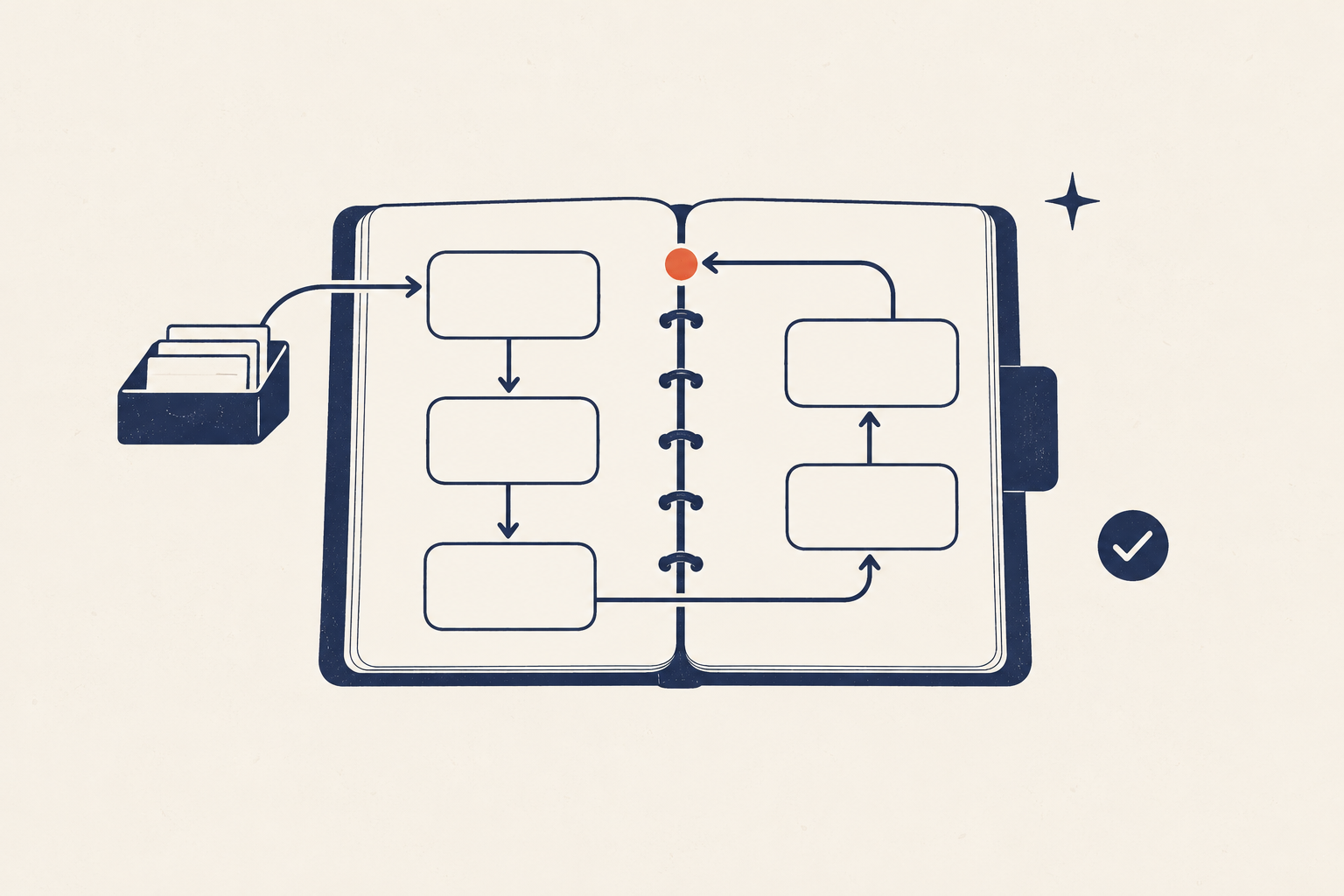
A personal operating system is the small set of rules and tools you use to turn incoming demands into clear decisions, useful action, and regular maintenance. It should help you remember what matters without asking you to supervise a second life made of dashboards.
The useful question is not, “Which app can organize everything?” It is, “What happens after something enters my life?” A reliable answer needs five functions: capture, decide, do, review, and recover.
This guide will help you build those functions at the smallest workable scale. You can use paper, simple apps, or a mixture. The workflow matters more than the container.
System plate 01 — The test
Your system is working when current commitments are visible, the next decision is clear, and a disrupted week has a known re-entry point.
What a personal operating system is—and is not
“Operating system” is a metaphor. In this guide, it means a repeatable way to handle the ordinary flow of tasks, appointments, information, routines, and unfinished work.
It is not:
- a database containing every fact about your life;
- an ideal daily schedule that must run unchanged;
- a collection of habits performed without exception;
- a single app that makes decisions for you; or
- a demand to measure everything.
A task manager can hold actions. A calendar can protect time and record date-specific commitments. Notes can hold reference material. None of those tools, by itself, explains how an input moves from “I should remember this” to “this is decided and will reappear when useful.” The operating system is the set of handoffs between them.
That distinction prevents a common failure: buying a new tool while preserving an unclear workflow. If every message, idea, bill, appointment, and project remains a different kind of emergency, a more polished interface will only display the confusion.
The five functions of a humane personal productivity system
The five functions form a loop. Each has one job and one completion rule.
| Function | Job | It is complete when… |
|---|---|---|
| Capture | Hold an input before it disappears | The input is in a trusted temporary place |
| Decide | Determine what the input means | It is deleted, stored, delegated, scheduled, or turned into an action |
| Do | Make useful work easy to start | The next action is visible in an appropriate context |
| Review | Detect drift and renew trust | Lists, calendar, and active projects reflect reality |
| Recover | Restore the system after disruption | Urgent commitments are safe and normal maintenance can resume |
Capture: stop asking memory to be an inbox
Capture is a temporary safety net. Use one main inbox that is available where demands usually appear. It might be a small notebook, an app inbox, or a tray for physical papers plus a digital inbox.
The constraint matters more than the format: few entry points, processed regularly. Five capture tools can work, but each additional entry point creates another place you must inspect.
Capture only enough information to recognize the item later. “Ask Maya for revised date” is better than “Maya.” A receipt does not need to become a polished record while you are standing at the store.
Decide: give every input a next state
An inbox becomes useful only when items leave it. For each item, choose one state:
- Delete: it requires nothing and has no reference value.
- Store: it may be useful later but requires no action.
- Delegate: someone else owns the next move; record what you are waiting for.
- Schedule: it must happen on or by a real date.
- Act: define the next visible action.
- Incubate: you are deliberately not committing yet; set a review point.
Specific plans matter. Experimental work by Masicampo and Baumeister found that unfinished goals could intrude on unrelated work, while making specific, usable plans reduced that cognitive interference. A vague task such as “sort insurance” remains open-ended. “Find the current policy PDF and put it in the review folder” tells you how to begin.
Do: present choices that fit the moment
A task list should help you select an action, not remind you of every possible ambition. Keep active actions concrete and bounded.
“Kitchen” is an area. “Organize kitchen” is a project. “Measure the drawer before buying a divider” is an action.
At the point of action, three filters are usually enough:
- Commitment: What must be handled because another person, deadline, or consequence depends on it?
- Capacity: What can fit the time and attention available now?
- Value: Which available action would make the next part of life easier or more meaningful?
This is not an invitation to score every task. It is a way to reduce a long list to a credible choice.
Review: maintain the map
Lists stop feeling trustworthy when completed work, abandoned ideas, and changed deadlines remain mixed together. Review is preventive maintenance.
A short daily check keeps the immediate surface usable:
- inspect today’s calendar;
- choose the next few actions;
- process time-sensitive capture items; and
- leave a resumption note for interrupted work.
A weekly review looks across the whole system. It processes remaining inputs, inspects the coming calendar, checks active projects, closes or renegotiates stale commitments, and chooses what the next week can realistically carry.
Time-management research does not validate one perfect routine. A 2021 meta-analysis of 158 studies found moderate associations between time management, performance, and well-being, while also noting limits in the evidence. Treat review as a practical control loop: observe, decide, adjust.
Recover: design the route back
Most systems describe normal operation and leave failure to motivation. A humane system does the opposite: it assumes travel, illness, caregiving, deadlines, grief, celebrations, and plain tiredness will sometimes disrupt maintenance.
Recovery mode protects safety before completeness:
- Check the next 72 hours of the calendar.
- Identify commitments with real consequences.
- Contact anyone affected by a delay.
- Choose one capture location for new inputs.
- Ignore stale organization until the urgent surface is stable.
- Schedule a short re-entry review.
You do not need to “catch up” on every routine. A systematic review of habit formation emphasizes repeated behavior in stable contexts, while a review of naturalistic habit research notes that one missed opportunity did not disrupt formation in a frequently cited study. Restart from the smallest stable action.
Audit recurring friction before you add a system
Begin with evidence from your own week. A recurring-friction audit looks for failures that repeat often enough to justify a process.
For seven days, note moments such as:
- searching for the same kind of information;
- remembering an obligation too late;
- re-deciding a recurring task;
- waiting because ownership is unclear;
- avoiding a task because the starting action is vague; or
- abandoning a routine after one disrupted day.
For each event, record four fields: trigger, friction, consequence, current workaround. Do not redesign anything during the observation period unless safety requires it.
At the end of the week, group repeats. Three missed appointments suggest a calendar or reminder problem. Ten ideas scattered across apps suggest a capture problem. A long task list that never shrinks may be a deciding or review problem—not a need for more categories.
This is also where it helps to distinguish a system from a routine or habit. A habit automates one response to a cue. A routine sequences familiar actions. A system coordinates decisions, tools, people, and exceptions toward an outcome.
Build a minimum viable personal operating system
Install only enough structure to complete the five functions. A useful starting configuration is:
- one main capture inbox for tasks, ideas, and loose ends;
- one calendar for appointments, deadlines, and date-specific reminders;
- one active task view for next actions and current projects;
- one reference home for information you expect to retrieve; and
- one weekly review appointment to maintain the whole arrangement.
The items can live in one app or several. Avoid duplicating the same commitment across tools unless one copy is a deliberate reminder rather than a second source of truth.
Give each tool a jurisdiction
Write one sentence for each tool:
- “The calendar holds things that must happen on or by a date.”
- “The task view holds actions I have committed to but not scheduled.”
- “Reference storage holds information with no current action.”
- “The inbox holds undecided items for no longer than one review cycle.”
Jurisdiction prevents a common ambiguity: using the calendar as a hopeful wish list, then losing trust in it when time blocks are routinely ignored.
If you want a guided setup, follow the minimum viable personal system when that guide is available. Stop once capture, decisions, action, review, and recovery have a working path.
Write decision rules instead of relying on mood
A decision rule names a situation and the default response. It shortens repeated deliberation without pretending every case is identical.
Useful rules include:
- If a task must happen at a specific time, then it goes on the calendar.
- If an input takes more than one action, then it becomes a project with one visible next action.
- If I cannot act until someone responds, then I record a waiting-for item and a check date.
- If a task survives three weekly reviews without movement, then I delete, delegate, shrink, schedule, or explicitly defer it.
- If the week enters low-capacity mode, then I protect consequences, care, and communication before optional improvement work.
Psychologists call a closely related structure an implementation intention: an if–then plan connecting a cue with a response. Meta-analytic evidence supports this planning mechanism across several goal domains, though effects vary. The practical lesson is modest: decide the response before the difficult moment arrives.
Make handoffs visible
Systems usually break between steps. A note is captured but never clarified. A project is clarified but has no next action. A task is finished but the person waiting for it is not told.
For important recurring workflows, define four elements:
- Trigger: What starts this process?
- Owner: Who makes the next decision?
- Exit condition: What observable fact means this step is done?
- Next location: Where does the result go?
For example, “Pay household bill” becomes: the bill arrives in the paper tray; the person assigned to finances checks the tray on Tuesday; payment is complete when confirmation is saved; any dispute moves to the waiting-for list with a follow-up date.
That may sound formal for ordinary life. You need it only where confusion repeats. The goal is fewer reminders, not documentation for its own sake.
Run the system on two maintenance rhythms
Daily orientation: five minutes
Use the daily check to face the day you actually have:
- Read the calendar from now through tomorrow morning.
- Check for a commitment that affects someone else.
- Select one meaningful action and one maintenance action.
- Process only urgent inbox items.
- Choose the next cue: when and where will the first action start?
On a difficult day, steps one and two are enough.
Weekly maintenance: 30 to 45 minutes
Use the weekly planning system to restore the wider view:
- Collect loose inputs.
- Process inboxes to decisions, not necessarily to completion.
- Review the previous and upcoming calendar.
- Inspect active projects and waiting-for items.
- Estimate next week’s real capacity.
- Choose a small set of outcomes and prepare their first actions.
- Note one friction signal to test or repair.
End with a plan you can recognize on a tired Tuesday. If it requires your most optimistic energy every day, it is not yet an operating plan.
Add a low-capacity mode before you need it
Low-capacity mode is not a failed version of the system. It is an alternate operating state for weeks with less time, attention, health, or control.
Define three levels:
| Mode | What remains active | What pauses |
|---|---|---|
| Standard | Full weekly plan and normal maintenance | Nothing by default |
| Reduced | Calendar, consequence-bearing tasks, one inbox, essential routines | Optional projects and detailed organization |
| Minimum | Immediate safety, care, communication, and one next check | Nearly all improvement work |
Write the switch condition while you are calm. For example: “If two days of planned work are lost, I enter reduced mode until the next weekly review.”
Also write the exit: “I leave reduced mode after checking the next seven days, renegotiating delayed commitments, and choosing one active outcome.” This prevents the return from becoming another vague demand.
Diagnose common personal-system failures
“I capture everything, but the inbox is overwhelming”
The missing function is deciding. Shorten processing sessions, but run them more often. Delete aggressively, and make the next action smaller.
“My calendar is full, but important work never happens”
Separate fixed commitments from hopeful plans. Estimate work using past examples, not the best-case story. Protect fewer focus blocks and leave open capacity.
“My task list has hundreds of items”
Move uncommitted possibilities out of the active view. A task list is not an archive. Keep a separate someday or later list with a scheduled review.
“I spend more time maintaining the system than using it”
Remove fields, tags, views, and automations until maintenance fits the available rhythm. Every property should support a recurring decision.
“The system worked until life changed”
That is a capacity or context mismatch, not proof that you are incapable of consistency. Use the repair guide when it is available to redesign the triggers, scope, or maintenance load.
“I keep switching tools”
Freeze the toolset for two review cycles. Record the friction you hope a switch will fix. If the problem is still unclear wording, missing reviews, or overcommitment, migration will preserve it.
Write a one-page operating specification
Document the system in plain language so you can use it when memory and motivation are limited. A one-page specification contains:
- Purpose: What recurring friction should this system reduce?
- Inputs: What enters, and through which inboxes?
- Decision rules: How do inputs become dates, actions, projects, reference, or deletion?
- Execution views: What do you check daily?
- Maintenance: When and how do you review it?
- Failure signals: What tells you the system is drifting?
- Reduced mode: What remains during constrained weeks?
- Re-entry: What are the first three recovery steps?
The personal-system documentation guide will show how to turn those fields into a reusable operating procedure when it is available.
Choose your next guide by the problem you have
Do not read every guide before acting. Enter at the stage that matches the failure:
- Diagnose: Run the recurring-friction audit if the problem is still vague.
- Choose the right structure: Compare systems, routines, and habits if you are unsure what kind of solution fits.
- Install: Build a minimum viable personal system if commitments live in too many places.
- Document: Create a one-page system guide if only you can remember how the workflow runs.
- Recover: Repair a system that stopped working if maintenance has collapsed.
Frequently asked questions
What should a personal operating system include?
At minimum, include a capture point, a way to decide what inputs mean, a view of current actions, a calendar for date-specific commitments, a review rhythm, and a recovery procedure. Add goals, notes, or trackers only when they support a recurring decision.
Is a personal operating system the same as a productivity app?
No. An app is a container. The operating system defines how inputs become decisions and how the information stays current. You can change tools while keeping the same workflow.
Can I use both paper and digital tools?
Yes. Give each format a clear jurisdiction and a handoff. For example, capture ideas on paper during meetings, then process committed actions into one digital task view at day’s end.
How often should I review my system?
Check immediate commitments daily and the whole system weekly as a starting point. Adjust the rhythm to the rate at which inputs and commitments change. The review should happen before uncertainty becomes distrust.
What if I stop using the system for several weeks?
Enter recovery mode. Check near-term calendar commitments, protect consequential tasks, communicate delays, choose one capture point, and schedule a short re-entry review. Do not rebuild every list before stabilizing the next few days.
Start with one missing function
Do not install a life dashboard this weekend. Watch where your current process fails, then repair the smallest missing function.
If appointments disappear, fix the calendar handoff. If ideas scatter, simplify capture. If lists become stale, shorten and protect the review. If difficult weeks erase everything, write reduced-mode and re-entry instructions now.
A personal operating system earns trust through use, maintenance, and recovery—not through completeness.