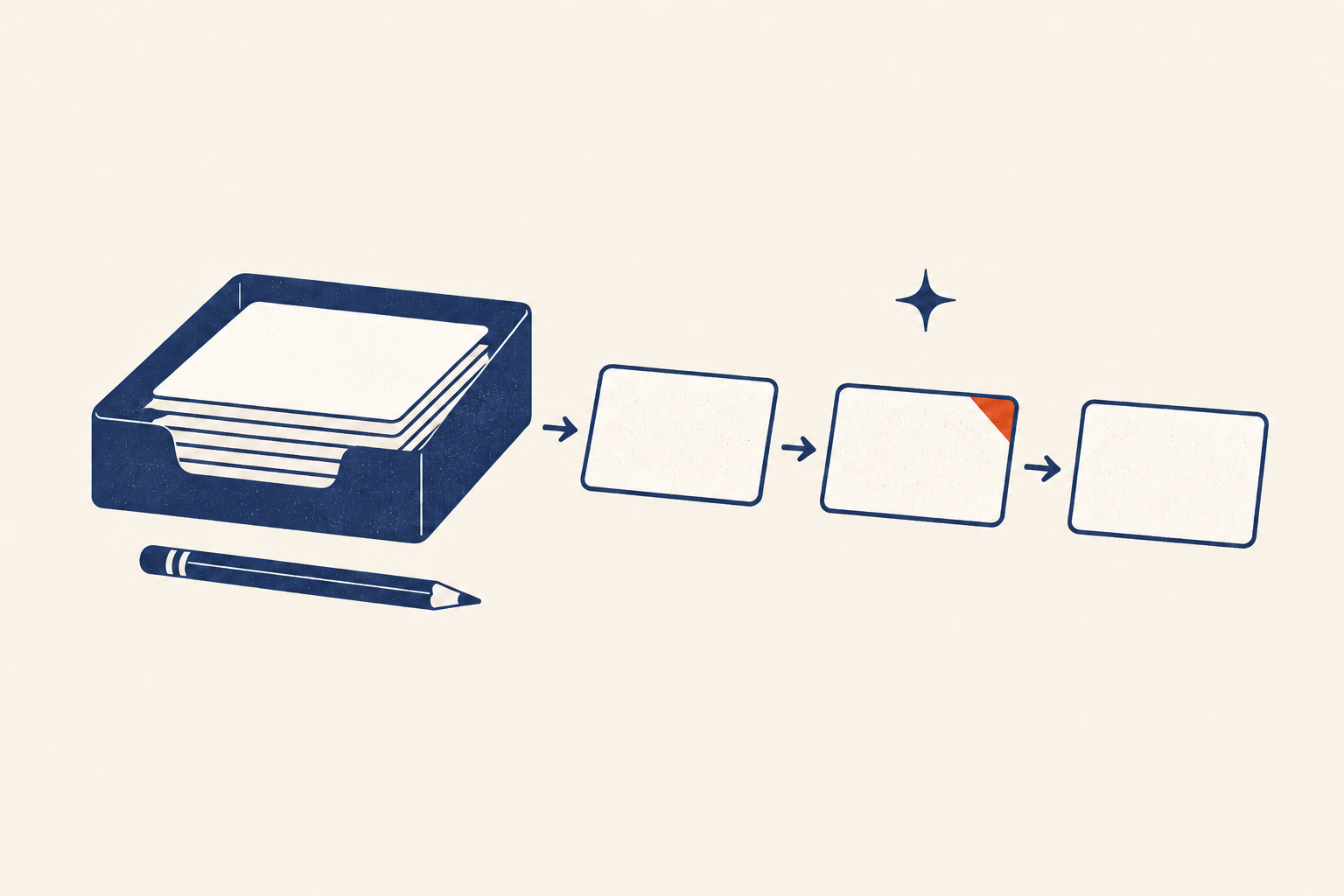
A personal task management system should answer a simple question: what can I safely stop remembering right now? If writing something down only moves it from your mind into a list you avoid, the system has not finished the job.
The smallest trustworthy version has five parts: one quick capture path, a clarification rule, a short set of destinations, a way to choose current work, and a recurring review. The app is replaceable. The decisions are the system.
Start here — the ten-minute repair: Choose one inbox. Put every new loose end there today. Set a 10-minute appointment tomorrow to clarify it. Do not reorganize your entire backlog first.
What a task system is actually for
A task system is an external control surface for commitments. It records what has your attention, distinguishes actions from larger outcomes, and shows a small set of choices you can act on.
This kind of cognitive offloading can help with future intentions. In a 2026 experiment, participants using a reminder or scheduled message were much more likely to perform a delayed action on time than participants relying on memory alone. The same research also found that offloading did not improve every kind of memory, so a reminder is support for action, not a substitute for understanding context. Read the study in Behavioral Sciences.
That distinction gives the system its boundaries:
- The calendar holds actions that must happen at a specific time or on a specific day.
- The task system holds actions that need choosing and completing.
- Project support holds plans, notes, drafts, and reference material.
- The inbox temporarily receives unprocessed items. It is not permanent storage.
When those roles blur, every surface becomes another list to check.
Run the trust test before changing tools
Do not start by downloading an app. Test the current workflow against the situations where it must help you.
| Trust question | Healthy signal | Failure signal |
|---|---|---|
| Can I capture something in under 20 seconds? | One obvious entry point is available where work arrives. | I send notes to several apps or keep them in memory. |
| Can I tell what an item asks me to do? | Most tasks begin with a visible verb and have a finish line. | The list contains labels such as “budget,” “website,” or “Mom.” |
| Can I see a bounded set of current choices? | Today or Now contains work that fits current capacity. | Hundreds of items compete at the same level. |
| Can I find every active project? | Each active outcome has at least one next action. | Project plans and tasks are mixed or hidden. |
| Does the list recover after a bad week? | A review clears stale, blocked, and duplicate work. | Missing a review makes the whole system feel unsafe. |
Circle the first failure signal. Repair that stage before adding labels, automations, or a new app.
The five-stage task management workflow
The workflow matters more than the software because each stage resolves a different kind of uncertainty.
| Stage | Question | Output |
|---|---|---|
| Capture | What has my attention? | A raw inbox item |
| Clarify | What does this mean? | Delete, reference, next action, project, waiting item, or calendar event |
| Bound | What is active now? | A limited current-work view |
| Do | What is the next useful move? | One completed or deliberately stopped action |
| Review | Is the system still true? | A cleaned, current set of commitments |
1. Capture into one front door
Pick one default inbox you can reach at your desk and away from it. A paper notebook, phone shortcut, or task-app inbox can all work. “One inbox” means one place you promise to process, not one channel through which every request must arrive.
Email, chat, voicemail, and paper still exist. During a daily sweep, move actionable commitments from those channels into the trusted inbox. Do not copy reference material or entire conversations when a clear action will do.
Capture enough context to recognize the item later:
- Weak:
dentist - Better:
Call dentist to move Thursday cleaning; phone number in appointment email - Weak:
quarterly report - Better:
Draft the three variance notes for the quarterly report
The single capture inbox guide will show how to consolidate without turning the inbox into another permanent list when it is available.
2. Clarify before you organize
For each inbox item, ask: What is it, and does it require action? Use a small decision set.
- Delete it if it has no value or commitment.
- Store it as reference if it may be useful but requires no action.
- Put it on the calendar if it must happen at a real date or time.
- Mark it waiting if another person owns the next move.
- Define a next action if one visible step will move it forward.
- Create a project outcome if completion requires more than one action.
- Defer it deliberately if it is worth reconsidering but not active now.
A next action begins with a verb and ends at an observable result. “Plan conference” is a project. “Email Sam for the conference venue shortlist” is an action.
For a worked method, use the guide to turning vague projects into clear next actions when it is available.
3. Keep the active view smaller than the full inventory
Your system may contain many valid commitments. Your attention cannot hold them all at once. Separate the full inventory from the view you use to choose work.
A simple structure is enough:
- Now: work that is active and plausible within the current day or short planning window.
- Next: work ready to enter Now when capacity opens.
- Later: valid work you are not committing to yet.
- Waiting: delegated work or an external dependency.
This is a sequencing rule, not a moral ranking. Later does not mean unimportant. It means “not consuming active attention yet.” The Now–Next–Later priority system develops this into a complete method.
Limit active work by observation rather than by an arbitrary number. If Now regularly survives unchanged for days, it is too large, too vague, or disconnected from available time.
4. Choose with constraints, not urgency alone
When you are ready to work, filter the active list through four facts:
- Hard landscape: What fixed commitments or true deadlines shape the day?
- Consequence: What becomes harder, costlier, or more limiting if delayed?
- Capacity: What fits the available time, energy, tools, and location?
- Sequence: What action unlocks or protects other work?
Then select one action and make the first move visible. If “prepare proposal” still creates hesitation, shrink it to “open the client notes and list the three required decisions.”
Specific cue-action plans can improve follow-through. A meta-analysis of 94 tests found a medium-to-large effect of implementation intentions—plans in the form “If situation Y occurs, then I will do X”—on goal attainment. Review the meta-analysis. In practice: “When the 9:00 meeting ends, I will open the proposal and draft the decision list before checking chat.”
5. Close with a re-entry note
Interruptions are normal, so the system needs a way back. Research on interrupted work describes a resumption lag: time spent reconstructing what you were doing after an interruption. More difficult interruptions can increase that lag. See the systematic review.
Before a planned switch—or in the first moment after an unplanned one—leave a short re-entry note:
- What I just completed
- The exact next action
- The file, tab, or physical material needed
- Any decision that remains open
Example: Checked totals through March. Next: reconcile April refunds against bank export; both files are in Finance/Quarterly.
That note is not documentation for its own sake. It shortens the path back into useful work. The full focus-block and interruption-recovery guide will cover protection, parking, and re-entry when it is available.
Build the smallest useful setup
Use the tools you already have for a two-week trial. Create only these views:
| View | What belongs there | Review rhythm |
|---|---|---|
| Inbox | Unclarified inputs | Daily or each workday |
| Now | Bounded current actions | At the start and end of a work period |
| Next | Ready actions outside the current limit | During planning and weekly review |
| Projects | Active outcomes requiring several actions | Weekly |
| Waiting | Items owned by someone else or blocked externally | Weekly |
| Later | Deliberately inactive possibilities | Monthly or during a broader review |
Add dates only when a date changes the decision. Artificial due dates create noise and train you to ignore the date field.
Add labels only when they filter a real choice. If you never ask “What can I do by phone?” a phone label adds maintenance without helping you choose.
The weekly maintenance review
A task list becomes trustworthy through correction, not perfect capture. Reserve 20 to 30 minutes once a week for maintenance.
- Empty the inboxes you have agreed to check.
- Remove completed, duplicate, and no-longer-relevant items.
- Rewrite vague actions.
- Confirm every active project has a next action.
- Review waiting items and decide whether to follow up.
- Compare active work with the calendar and realistic weekly capacity.
- Move work among Now, Next, and Later.
- Record one system repair for the coming week.
The last step prevents the review from becoming clerical. A system repair might be “put the capture notebook by the door,” “remove an unused priority label,” or “add a re-entry field to project notes.”
The low-capacity version
On a difficult day, do not attempt a full reset. Use a six-minute recovery pass:
- Capture the loose end that feels most likely to be forgotten.
- Check the calendar for the next 24 hours.
- Choose one necessary action that fits current capacity.
- Mark everything else as Next, Later, or Waiting without reorganizing it.
- Schedule a fuller review instead of promising to remember one.
This is a safety floor, not a productivity challenge. If an item concerns immediate health, safety, or an urgent legal or financial deadline, use the appropriate professional or emergency support rather than relying on a general task workflow.
Common failure modes and repairs
The inbox became the task list
Signal: Old captures mix with current commitments.
Repair: Clarify only the newest and most consequential items first. Move the remainder into a dated backlog container, then process a small batch during each review.
Everything has a high priority
Signal: Priority labels no longer change what you do.
Repair: Replace broad importance labels with a bounded Now view. Use consequences, capacity, and sequence when choosing what enters it.
The system requires too much grooming
Signal: You spend more time adjusting fields than completing actions.
Repair: Remove any field you did not use to make a decision during the last two reviews.
You stopped checking the list
Signal: You capture elsewhere because the system feels stale or punitive.
Repair: Archive the stale view, rebuild Now from the calendar and current consequences, and schedule one short review. Do not force yourself to triage years of history before resuming.
Reminders became background noise
Signal: Alerts fire without enough context to act.
Repair: Attach reminders to a real trigger and name the action. Keep a manual review rhythm as a fallback; research suggests performance can drop when a relied-on reminder disappears. See the 2026 prospective-memory study.
Choose tools after the workflow works
A paper notebook can provide fast capture but weak search and recurring reminders. A simple task app can provide portability and alerts but invite over-configuration. A spreadsheet can make reviews and custom fields visible but make capture slower.
Choose based on failure cost:
- If you lose inputs, optimize capture speed.
- If tasks stay vague, optimize clarification and review—not features.
- If commitments span devices, optimize reliable sync and export.
- If interruptions dominate, optimize re-entry notes and visible project state.
- If a shared household or team depends on the work, optimize ownership and shared visibility.
No tool removes the need to decide what an item means. After the informational system is established, the planned comparison of personal task managers will evaluate tools by capture speed, review support, portability, friction, and recovery—not feature count.
Your task system in one page
Write these seven lines somewhere visible:
- Capture front door: Where every new loose end goes by default
- Clarification time: When raw inputs become decisions
- Active limit: How you keep Now bounded
- Calendar rule: What earns a date or time
- Project rule: How every active outcome gets a next action
- Review appointment: When the system becomes current again
- Recovery rule: How you resume after missing a review
If you can answer those seven lines, you have a personal task management system. Everything else is optional infrastructure.
Frequently asked questions
What is the best personal task management system for beginners?
Start with one inbox, one current-action list, one project list, a calendar, and a weekly review. Use familiar tools for two weeks before choosing software. A beginner system should make capture and review easier, not introduce a new classification hobby.
Should tasks and calendar events be in the same app?
They may live in the same app, but they need different rules. Put a task on the calendar only when the date or time is real. Keep flexible actions in the task view so they can be chosen according to capacity.
How often should I process my task inbox?
Process it often enough that you still trust it—daily on most workdays is a useful starting point. Capture and processing are separate: capture immediately when needed, then clarify in a short batch.
How many tasks should be in my Now list?
Use a limit that fits your actual planning window. If items regularly remain untouched, reduce the list or clarify them. The right number is the amount you can inspect quickly and plausibly act on, not a universal target.
What should I do with an old, overwhelming backlog?
Move it out of the active view without deleting it. Rebuild Now from current deadlines, responsibilities, and consequences. Review the archive in small batches, and let expired commitments leave the system.
The next useful move
Choose one capture front door and use it for the rest of today. Tomorrow, clarify what arrived. Once that loop works, build the other stages around it.
A trusted personal task management system is not a perfect record of everything you might do. It is a current, repairable agreement with yourself about where commitments go and how you will see them again.