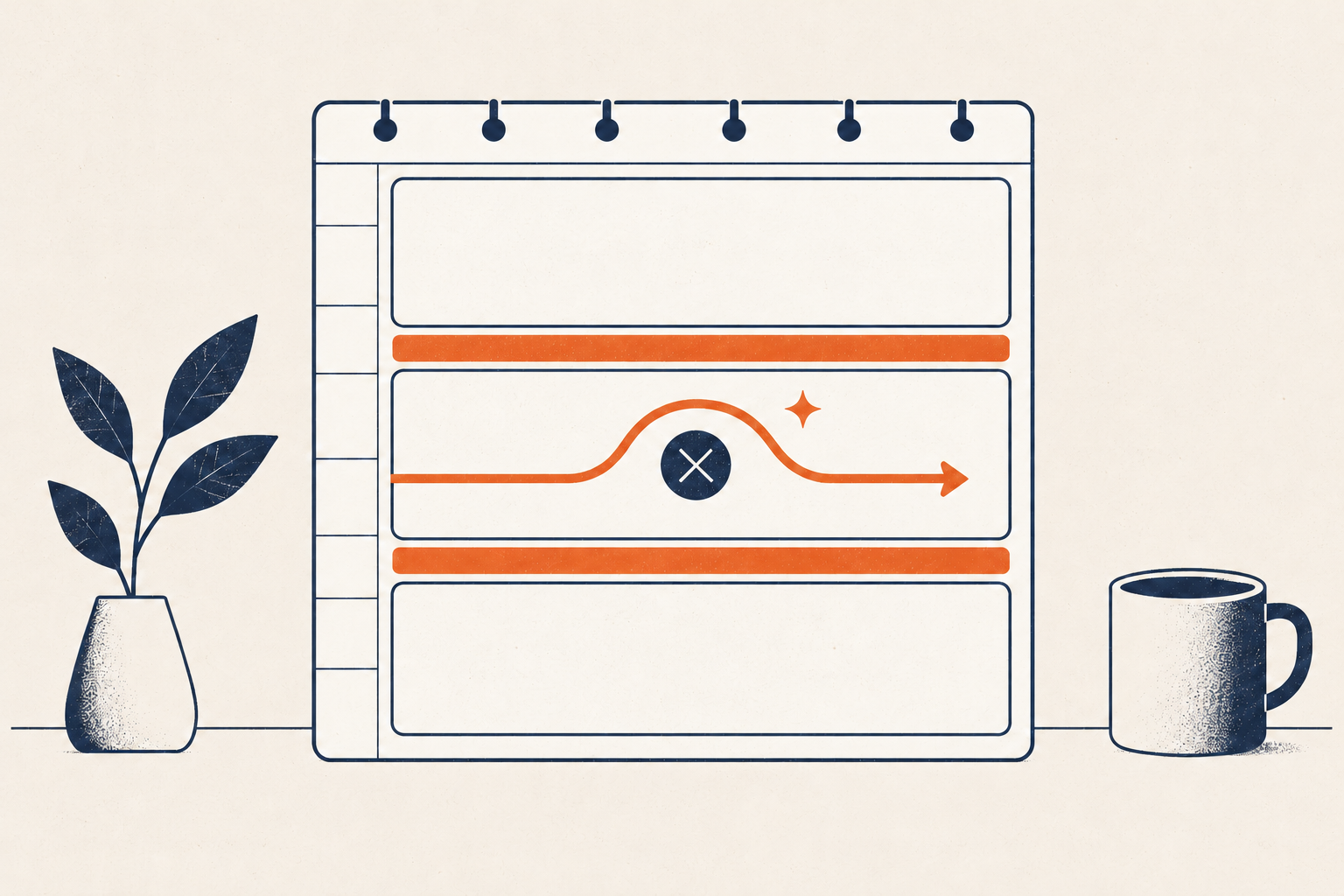
A task list tells you what might need attention. Time blocking asks a harder question: where could this work fit in the day you actually have?
The method is simple: reserve calendar space for a defined kind of work. The useful skill is not drawing perfect blocks. It is estimating from real capacity, leaving room for transitions and interruption, and revising the plan without dragging every missed block into tomorrow.
System plate 01 — A block is a current plan
Protect important work with time, then revise when conditions change. A calendar that can be replanned is more useful than one that records an impossible day.
Time blocking, timeboxing, task lists, and routine anchors
These tools solve different problems.
- A task list records actions without necessarily deciding when they will happen.
- Time blocking reserves a period for a task, project, or category of work.
- Timeboxing adds a limit: when the box ends, you stop, assess, or deliberately extend it.
- A routine anchor uses a recurring event—after breakfast, when a meeting ends, on arriving home—to cue a sequence without requiring an exact clock time.
Time blocking is useful when capacity is the problem. Anchors can work better when the order of a day is stable but its timing varies. Neither tool guarantees focus, and neither should occupy every minute.
Start with fixed commitments and usable capacity
Open tomorrow’s calendar. Add only commitments that are genuinely fixed:
- meetings and appointments;
- travel and preparation tied to them;
- care responsibilities;
- meals or medication that require protected time;
- hard opening, pickup, delivery, or submission windows; and
- sleep and the boundaries you intend to protect.
Now identify usable capacity, not empty-looking space. A 45-minute gap between meetings may contain a bathroom break, notes from the first meeting, setup for the next, and a needed pause. It is not automatically a 45-minute focus block.
Review similar past tasks before estimating. In the classic planning-fallacy studies, people tended to underestimate their own completion times and focused on future scenarios more than relevant past experience; prompting use of past experience reduced that optimism in one study (Buehler, Griffin, and Ross, 1994). This does not supply a universal multiplier. It supports asking, “How long did work like this take last time?”
For a first attempt, leave at least one portion of discretionary time unallocated. The exact percentage should come from your interruption pattern, not an internet rule.
Choose one to three outcomes
Do not copy a twenty-item list onto the calendar. Choose one to three outcomes that matter for this day.
Make each block concrete:
- “Draft the introduction and decision table,” not “article.”
- “Compare the three quotes and record the selected supplier,” not “vendors.”
- “Process messages received before noon,” not “inbox zero.”
An outcome gives the block an exit condition. A category block—“admin” or “email”—can work when the goal is containment rather than completing a single deliverable.
Match the block to conditions you can reasonably predict. Do not assume everyone has a universal peak-energy hour. If you know from your own records that a task works better in a quieter period, use that evidence. Otherwise, place the first block where it can realistically begin.
Estimate the full block, not just task time
A usable block may need four parts:
- Entry: open materials and identify the next action.
- Work: complete the defined outcome or reach the review point.
- Wrap: save, send, record decisions, and leave a resumption note.
- Transition: move, reset, or prepare for what follows.
If a report usually takes 70 minutes of direct work, a 60-minute calendar block does not become realistic through optimism. Divide the outcome or provide more room.
Add interruption and recovery rules
Interruptions affect tasks differently, but research consistently treats resumption as a real part of performance. A systematic review and meta-analysis of laboratory interruption interventions found that effects varied by intervention and task; measures such as marking the place where work stopped and limiting interruptions to selected points could improve aspects of recovery.
Before a planned interruption or when you must stop, leave a one-sentence resumption cue:
“Next: compare section two against the source table and resolve the missing date.”
That is more useful than returning to a document and reconstructing your state from scratch.
Build a realistic first day
Suppose your available day runs from 8:30 a.m. to 5:00 p.m. and already contains two meetings.
| Time | Block | Exit condition |
|---|---|---|
| 8:30–8:45 | Orientation | Calendar checked; first action open |
| 8:45–10:15 | Proposal draft | Problem and recommendation sections drafted |
| 10:15–10:30 | Break and transition | Leave desk; prepare meeting notes |
| 10:30–11:15 | Meeting | Decisions and owners captured |
| 11:15–11:35 | Meeting follow-up | Decisions sent; tasks clarified |
| 11:35–12:00 | Buffer | Absorb overrun or handle one short item |
| 12:00–1:00 | Lunch | No work outcome assigned |
| 1:00–2:00 | Admin batch | Time-sensitive replies processed |
| 2:00–2:15 | Break | Change state |
| 2:15–3:00 | Meeting | Decisions captured |
| 3:00–3:20 | Transition and buffer | Follow-up or recovery |
| 3:20–4:20 | Proposal revision | One full read and revision pass |
| 4:20–4:40 | Open buffer | Unallocated until needed |
| 4:40–5:00 | Close | Resumption notes and tomorrow constraints recorded |
The buffer is not a hidden invitation to add another priority in the morning. It protects the whole plan from ordinary variation.
Replan instead of carrying a failed calendar forward
When a block slips, pause at the next transition. Do not automatically move every unfinished block to tomorrow.
Use this sequence:
- Record current state. What is actually finished?
- Protect consequences. Which remaining commitment affects another person, a deadline, safety, or care?
- Shrink the outcome. Can you complete a useful smaller version in the available time?
- Move deliberately. If it must move, choose a new place based on capacity—not the first blank square.
- Delete or renegotiate. Some work should leave the plan.
- Preserve buffer. Do not consume all future slack to repair one optimistic estimate.
A useful rule is: if a block overruns by more than the transition buffer, then stop at the next safe point and replan the remaining day once. This prevents continuous calendar editing from replacing work.
When anchors work better than clock time
Use an event anchor when exact time is unstable but sequence is dependable:
- after the first school drop-off, review the calendar;
- when the final client call ends, capture follow-ups;
- after dinner is cleared, prepare the next morning’s materials.
Use a clock block when another person, facility, or deadline depends on timing, or when protected coordination matters. A hybrid often works: a calendar block protects the broad period, and an anchor starts the first action within it.
If frequent interruptions make long blocks impossible, try a smaller bounded session such as the Pomodoro Technique within the block. If the task itself remains vague, clarify it through the GTD beginner workflow before scheduling. A paper planner can implement the same method; see the minimal Bullet Journal guide.
For planning that explicitly protects changing capacity, use the corrected canonical sustainable productivity guide.
Review the experiment
After three to five days, compare plan and reality:
- Which blocks began within 15 minutes of the plan?
- Which estimates were repeatedly short?
- Where did transitions consume unrecorded time?
- Which interruptions were predictable?
- Which work fit better after an event anchor?
- Did the calendar help you make a decision, or merely display guilt?
Change one rule at a time. Longer blocks, shorter blocks, more buffer, fewer outcomes, or stronger anchors may each solve a different failure. Keep the method only if it makes capacity and revision clearer.
Sources and boundaries
- Buehler, Griffin, and Ross, “Exploring the Planning Fallacy” — primary research on completion-time estimates and relevant past experience.
- Couffe and Michael, interruption interventions review — evidence on interruption recovery, with task and intervention variation.
This guide does not claim that time blocking maximizes cognition, prevents burnout, or suits every kind of work. Availability, disability, caregiving, collaborative work, and workplace control all affect whether clock-based planning is practical.